
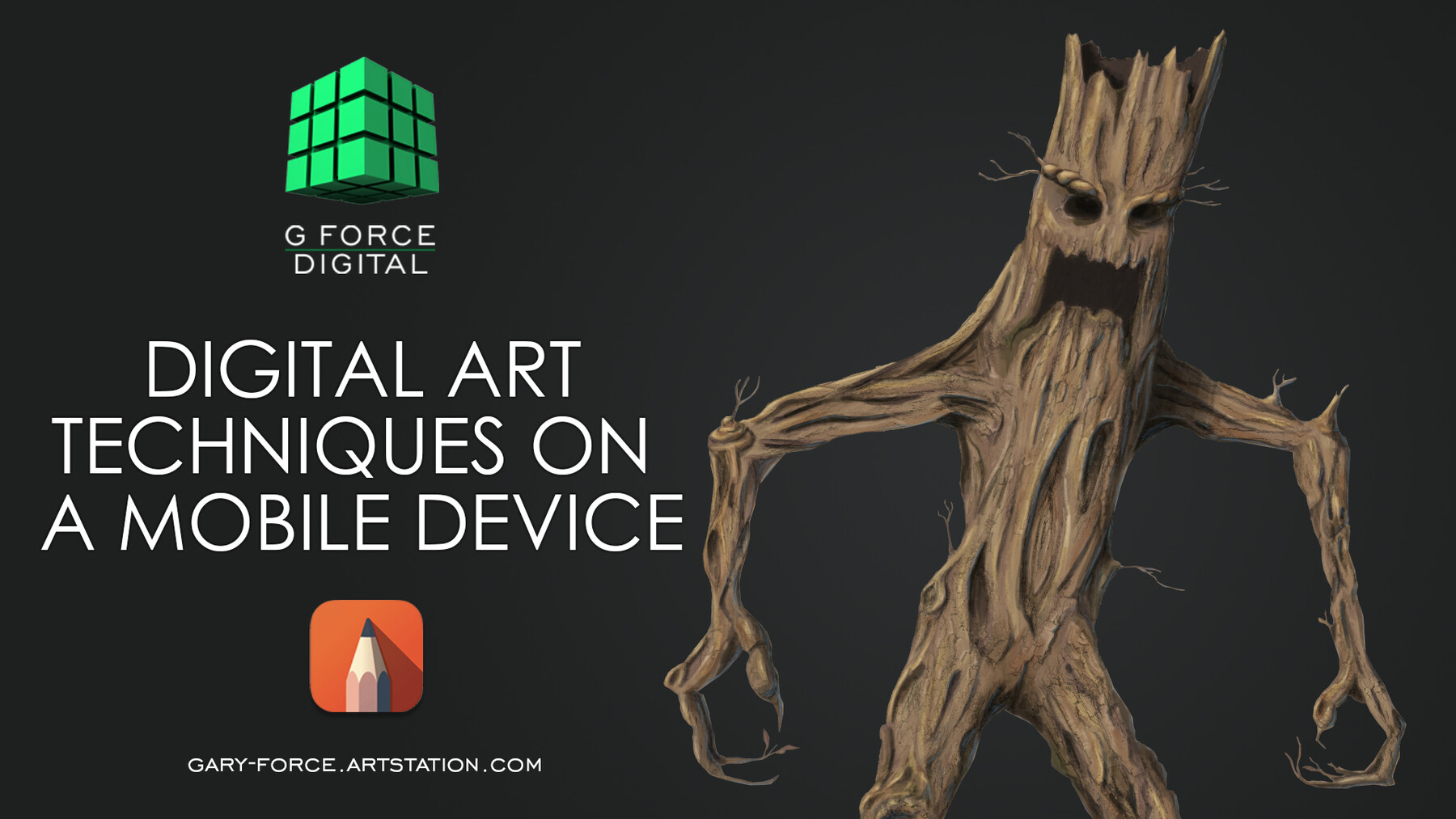
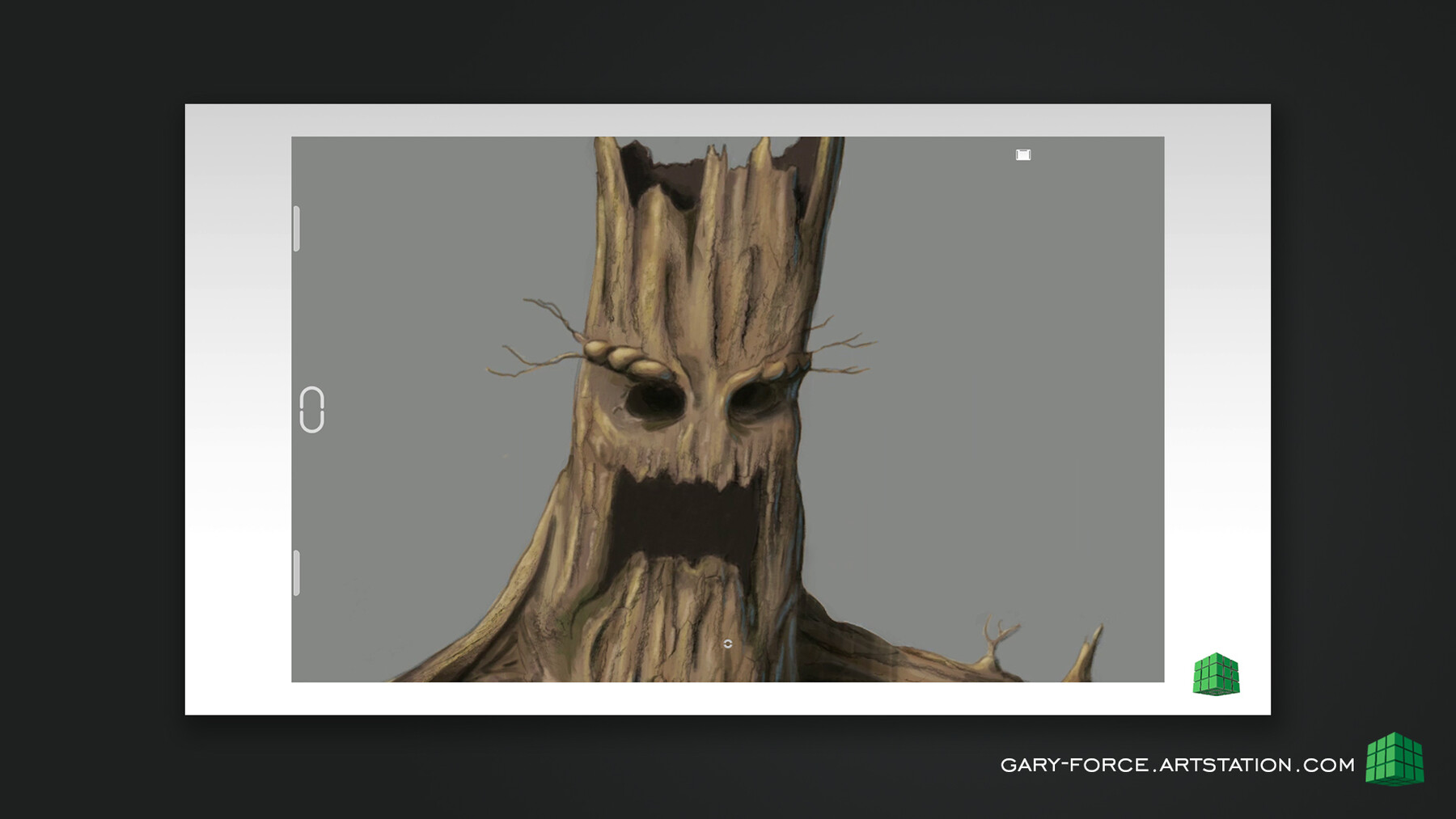
Would you like to be able to create high quality digital concept art no matter where you are?
In this tutorial I will show you how to create professional digital artwork using nothing more than a Mobile Phone or Tablet.
This course has now been updated and contains much more to help you get started with digital art in your mobile device.
The videos, yours to download are broken in 7 chapters
Chapter 1
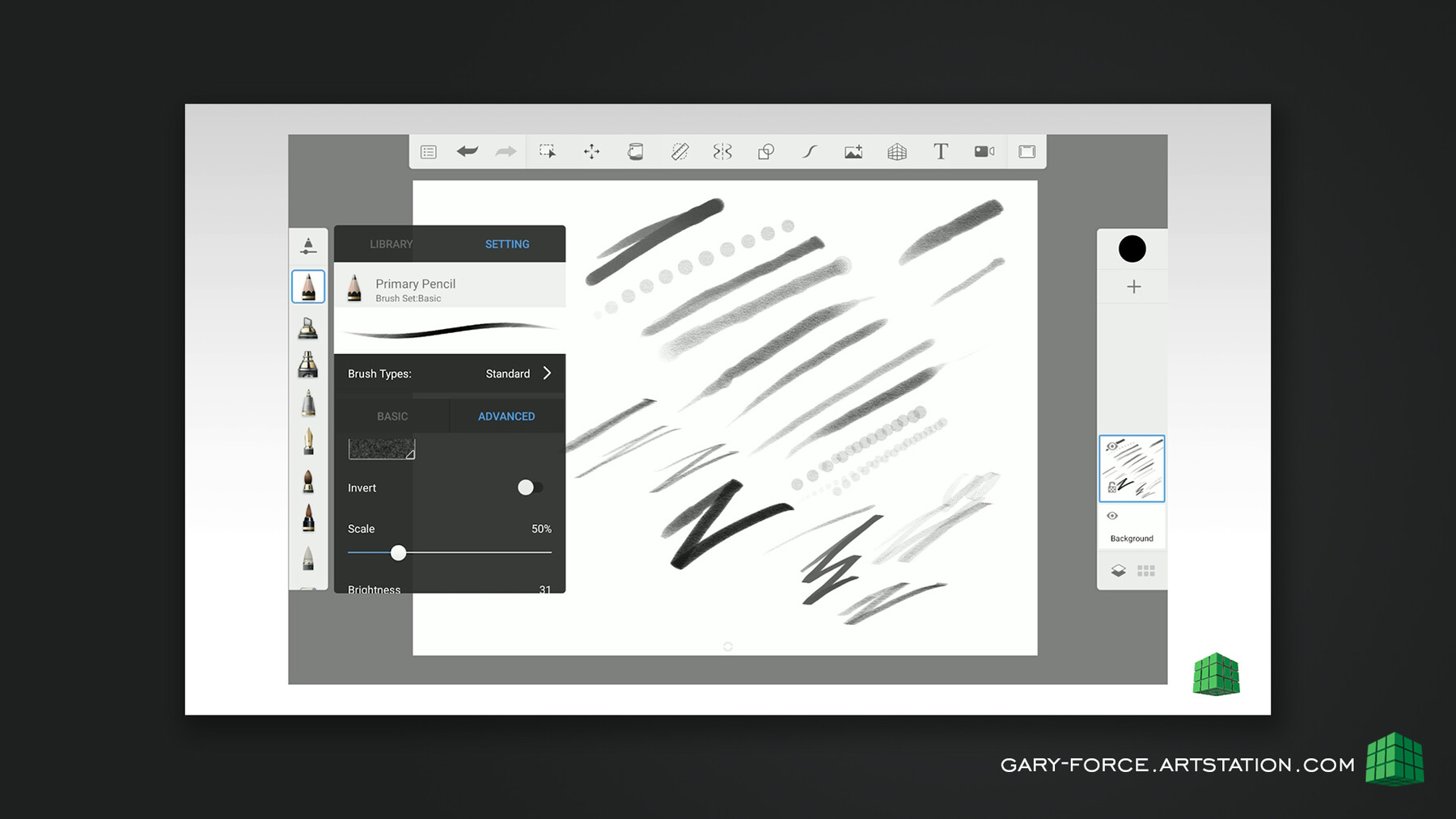
A thorough introduction to Autodesk Sketchbook (mobile version). This breaks down all the key tools and features of the app. A great introduction for new users of this fantastic free digital drawing app.
Chapter 2
Digital art warm up techniques.
This chapter covers some basic tips to try before getting started with mobile drawing.
Chapter 3
Digital drawing techniques
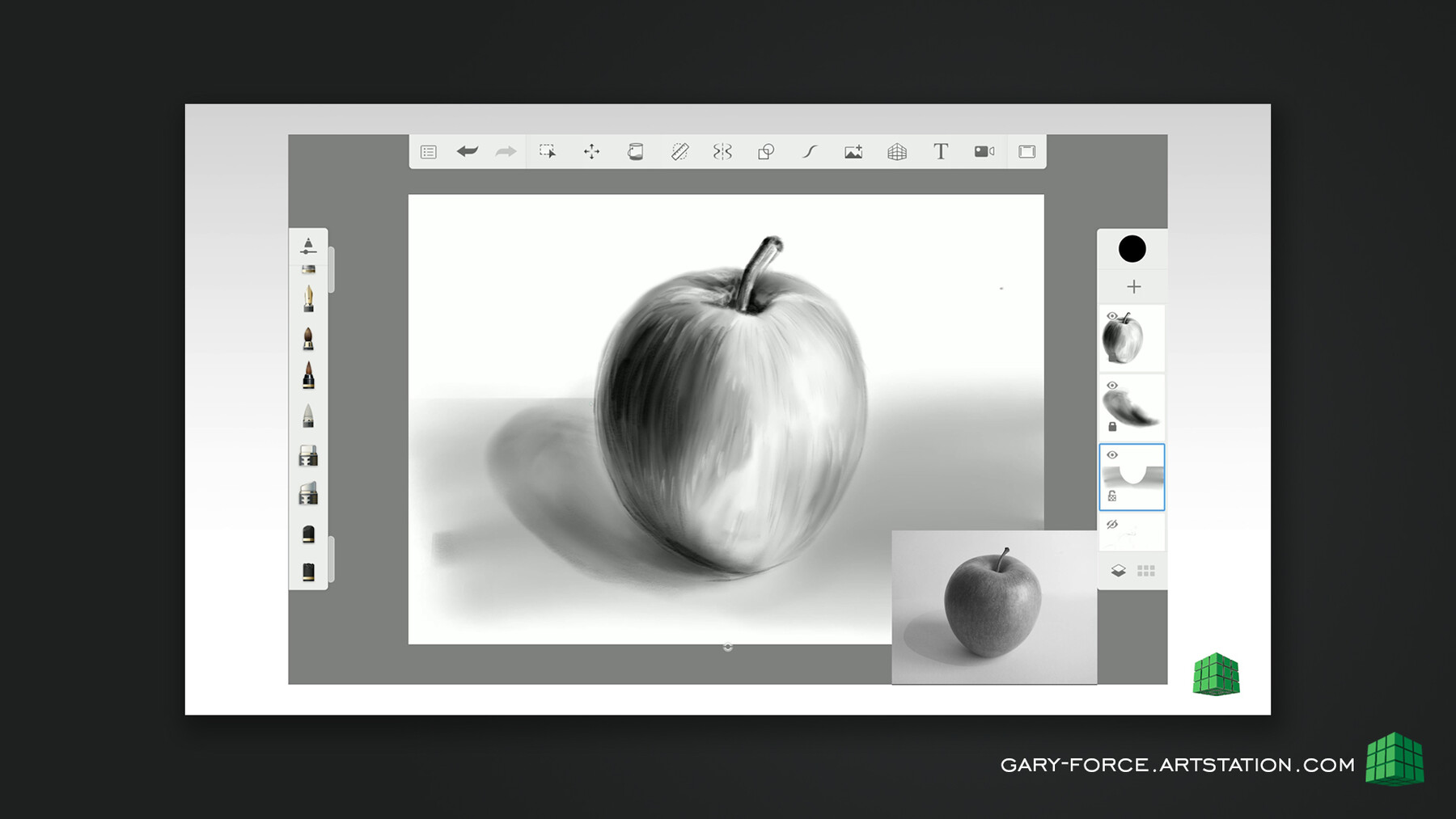
In this chapter you will explore digital drawing and sketching techniques. This chapter aims to replicate the look and feel of traditional pencil and charcoal techniques.
Chapter 4
Digital painting techniques
In this chapter you can follow along as I explore painting techniques designed to capture the feel and look of traditional painting.
Chapter 5
Creature design project:
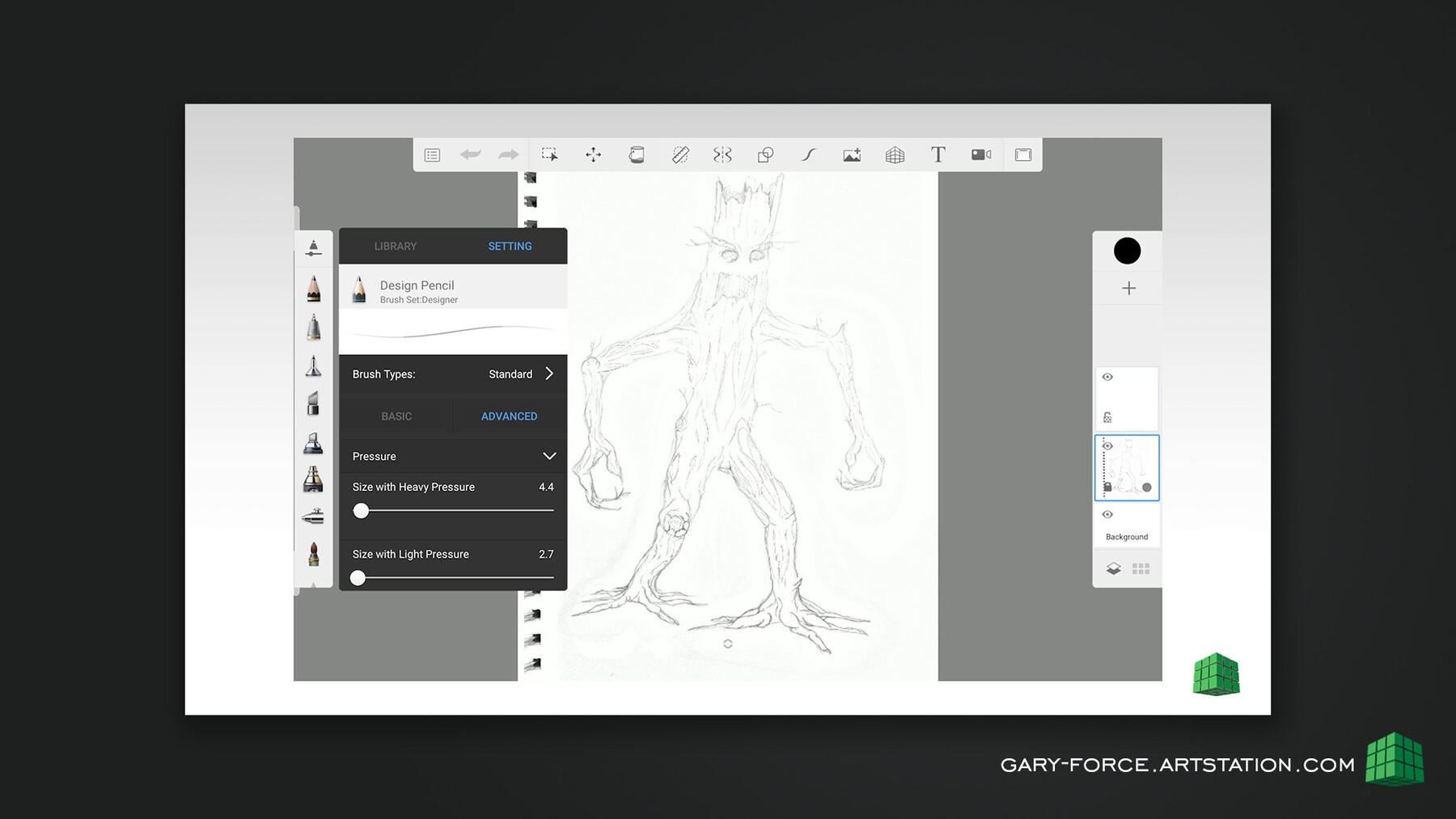
In the following chapters we go step by step through the techniques I use to create a character design concept piece. In chapter 5 we look at adjusting a sketch, creating masks and adding base colours.
Chapter 6
This chapter looks at lighting and shading techniques as well as exploring blending modes to enhance your artwork.
Chapter 7
In the final chapter of the course we will applying textures and some advanced lighting tips.
The improved course also contains original artwork, textures and reference image files for you to use alongside the project.
Work along on with the project or work with your own artwork if you choose and learn how to create that high quality concept piece on the go.
This course has now been updated and contains much more to help you get started with digital art in your mobile device.
The videos, yours to download are broken in 7 chapters
Chapter 1
A thorough introduction to Autodesk Sketchbook (mobile version). This breaks down all the key tools and features of the app. A great introduction for new users of this fantastic free digital drawing app.
Chapter 2
Digital art warm up techniques.
This chapter covers some basic tips to try before getting started with mobile drawing.
Chapter 3
Digital drawing techniques
In this chapter you will explore digital drawing and sketching techniques. This chapter aims to replicate the look and feel of traditional pencil and charcoal techniques.
Chapter 4
Digital painting techniques
In this chapter you can follow along as I explore painting techniques designed to capture the feel and look of traditional painting.
Chapter 5
Creature design project:
In the following chapters we go step by step through the techniques I use to create a character design concept piece. In chapter 5 we look at adjusting a sketch, creating masks and adding base colours.
Chapter 6
This chapter looks at lighting and shading techniques as well as exploring blending modes to enhance your artwork.
Chapter 7
In the final chapter of the course we will applying textures and some advanced lighting tips.
The improved course also contains original artwork, textures and reference image files for you to use alongside the project..